
Your cloud, not ours
KKamera doesn't keep your photos. They go to Google Drive, OneDrive or Dropbox, or to a Synology NAS, Nextcloud, any WebDAV server or FTP.
Storage optionsKKamera uploads every job photo and video straight to the business cloud you already use: Google Drive, OneDrive, Dropbox, your NAS or your own server. Your camera roll stays for your family.
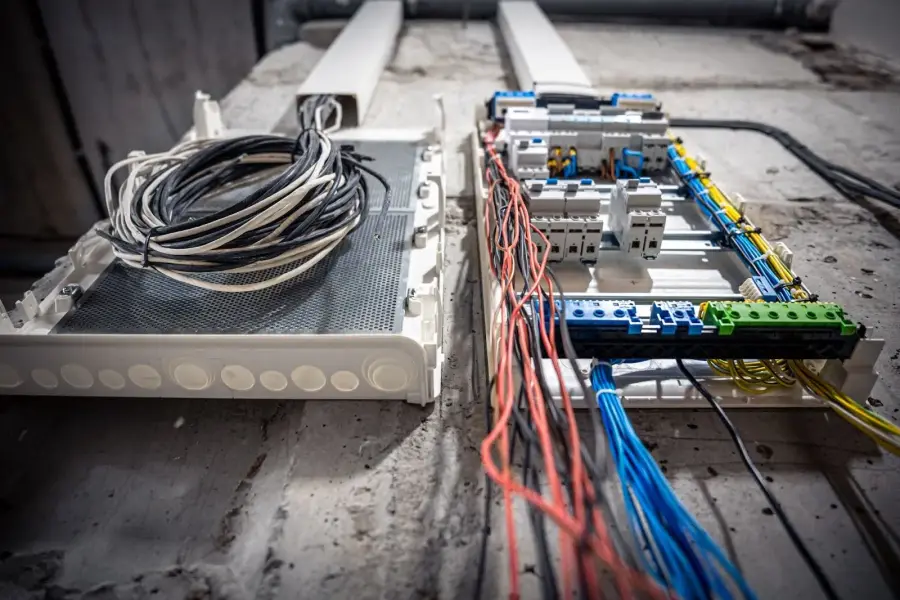
On most phones, a photo of a switchboard sits next to your kids' birthday. It syncs to your personal cloud, and it leaves with you when you change jobs or phones.
Every feature here is in the app today.
KKamera doesn't keep your photos. They go to Google Drive, OneDrive or Dropbox, or to a Synology NAS, Nextcloud, any WebDAV server or FTP.
Storage optionsSpirit level with a haptic tick, grid overlays and a document scanner. It can stamp the date, time, address and compass bearing onto each photo.
Evidence featuresShoot in a basement or a paddock. Shots wait in a queue and upload when you're back on Wi-Fi or mobile data. Retry anything that failed from History.
Upload queueLock the app with Face ID, a fingerprint or a PIN. Turn on two-factor sign-in. Panic Wipe disconnects every cloud and signs you out in one tap.
SecuritySign in to Google Drive, OneDrive or Dropbox, or enter your server's details. Pick the folder uploads land in.
Use KKamera instead of the built-in camera. Photo, video, panorama, document scan or interval shots.
The shot uploads straight away, or queues until you have a connection. A badge on screen confirms where it went.
Each person connects their own cloud account. Invite your crew and every co-worker sets up KKamera on their own phone.
These screenshots come straight from the app. Your 24-hour free trial starts once you confirm your email.
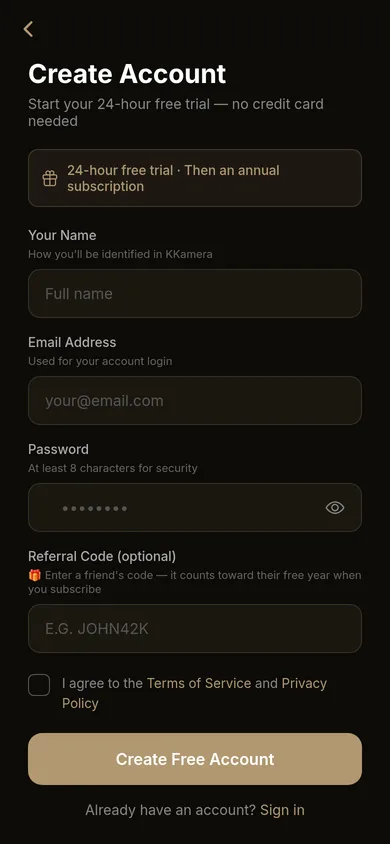
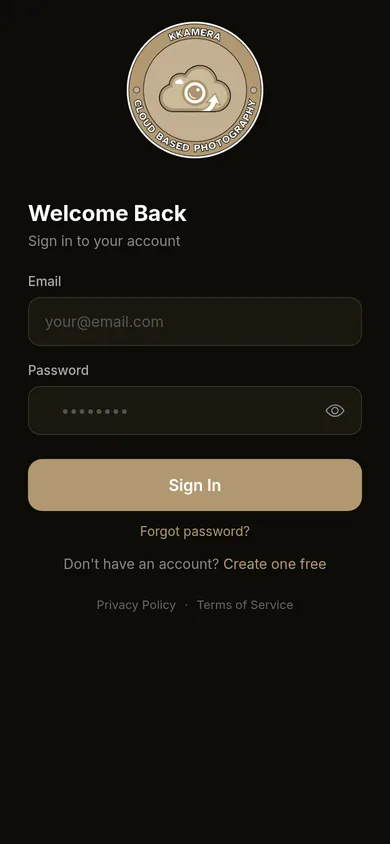
There are no tiers and no storage limits from us. Your storage limit is whatever your cloud plan gives you.
About $2.50 a month, billed yearly through the App Store or Google Play. The price shown in the app is your store's local price.
Share your referral code with other tradies. Every 5 people who sign up with it and pay earns you a year free. There's no limit on how many years you can earn.
Example progress: 3 of 5 towards your next free year. A referral stops counting if that person refunds or stops paying.
KKamera is launching on the App Store and Google Play. For early access or questions, email development@koastal.com.au.